Self-custody is Bitcoin's most powerful feature. It's also where most people give up.
Over six months, we watched 847 first-time Bitcoin users across Nigeria, Kenya, South Africa, Ghana, Tanzania, and Uganda attempt to back up their seed phrases. Only 229 of them (27%) completed the process correctly on the first try. The rest either abandoned the wallet entirely or skipped backup, leaving their funds at risk without knowing it.
None of this was about capability. These users were small business owners, teachers, traders. They use mobile banking apps every day without problems. The seed phrase screen broke them because it was designed to break them.
What Actually Happens at the Seed Phrase Screen
The standard onboarding goes: install wallet, create wallet, see 12 random words, write them down somewhere safe, type them back to confirm, done. Seems simple.
Watch what actually happens.
User Testing Observation, Lagos, Nigeria
Chioma, 28, small business owner. She reaches the seed phrase screen. Reads the first three words. Looks confused. Reads them again. Glances around her office. Opens her phone's notes app. Starts typing the words. The wallet moves to the background. When she returns, the screen has changed. She tries again. Six minutes later she uninstalls the wallet.
Chioma wasn't unusual. She was typical. And the five things that broke her experience show up in testing sessions across every country we visited.
The Five Things That Actually Cause Failure
1. No Context Before the Words Appear
Users see 12 random words before they understand what Bitcoin is, how wallets work, or why those words matter. We asked 200 users who failed backup: what did you think those 12 words were for?
- 41% said "a verification code"
- 23% said "something for the company to reset my password"
- 18% said "I thought they were checking if I could read English"
- 12% said "I didn't read it, I just clicked next"
Only 6% understood those words were the actual backup for their wallet. The rest were completing a ritual they didn't understand, which means they couldn't complete it safely.
2. Nobody Has Pen and Paper Ready
Most users in our study didn't have pen and paper when they installed the wallet. That sounds trivial. It isn't. They're typically installing because someone just sent them Bitcoin or they want to receive some right now. Going to find paper means leaving the app. When they come back, they don't know if the words will be the same. Many are in public spaces where writing down sensitive information feels wrong.
Critical Finding
Users who were given the option to "skip for now and set up backup later" were 4.2x more likely to eventually complete backup than users forced to do it immediately. Forcing completion in the moment produces more failures, not more security.
3. The Words Are in English
The BIP39 word list is English. Even when a wallet interface is fully translated, the seed phrase stays in English. For users speaking English as a second or third language, or those with limited literacy in any language, accurately copying 12 unfamiliar words in the right order is a significant cognitive task. We observed users spending 15 minutes or more just trying to copy the words without errors.
4. Errors Only Show Up When It's Too Late
Users write down the words, confirm them, and move on. Weeks later when they need to restore, they discover their backup doesn't work. In our long-term study, 34% of users who "successfully" completed backup had written at least one word incorrectly. They thought they were protected. They weren't.
5. Nobody Explains Where to Keep It
We asked users who did write down their seed phrase where they stored it:
- 41% took a photo, which defeats the purpose of a physical backup
- 23% saved it in phone notes, which defeats the purpose entirely
- 19% wrote it on loose paper that was later lost
- 17% stored it somewhere actually secure
These users completed onboarding. They thought they were done. They had no idea their backup method left them exposed.
What We Built Instead
After testing 23 different onboarding variations, we found a five-step framework that moved successful backup from 27% to 81%.
Step 1: Context Before the Words
Spend 60 seconds before showing any words. Explain what self-custody means in plain language. Explain why the seed phrase matters. Explain what happens if it's lost. One metaphor that worked consistently across all six countries:
The Safe Metaphor
"Think of your Bitcoin wallet like a safe. The seed phrase is the combination. If you lose the combination, nobody, not even us, can open it for you. Your Bitcoin will be locked inside forever."
Step 2: Prepare the Environment First
Before showing any words, ask the user to get ready. Prompt them to find pen and paper. Suggest finding a private space. Tell them this will take five minutes and ask if they have time now. Give them the option to come back when they're ready. This sounds like friction. In practice it dramatically increases completion because users who prepare succeed, and users who aren't ready can reschedule instead of abandoning.
Step 3: Show Words One at a Time
Rather than displaying all 12 words at once, show them one by one or in small groups. For each word: display it clearly in large text, show its position (word 3 of 12), offer text-to-speech audio, show phonetic spelling for non-native English speakers, and wait for confirmation before moving to the next. Slower, but with far fewer errors.
Step 4: Verify All 12 Words, Not Just 3
Standard wallets ask users to confirm words 3, 7, and 11 from a dropdown. This catches maybe 40% of errors. Ask users to type in all 12 words in order instead, with autocomplete suggestions. If any word is wrong, show exactly which one. Don't allow progression until all 12 are correct. This step alone accounts for a large portion of the improvement in our results.
Step 5: Tell Them Where to Store It
Explicitly warn against photos and digital copies. Suggest specific secure locations: a locked drawer, a fireproof box, a safe deposit box. Recommend a second physical copy kept somewhere different. Explain who should and shouldn't have access to it. Users follow instructions they're given. The problem is that almost no wallet gives them any.
Results After Implementation
We worked with three wallets to implement this framework. After 90 days:
| Metric | Before | After |
|---|---|---|
| Backup completion rate | 27% | 81% |
| Successful restoration rate | 66% | 96% |
| Time to complete | 3.2 min | 6.8 min |
| Users confident they could restore | 34% | 89% |
The process takes longer. It's also the only version that actually works.
A Note on Mobile-First Users
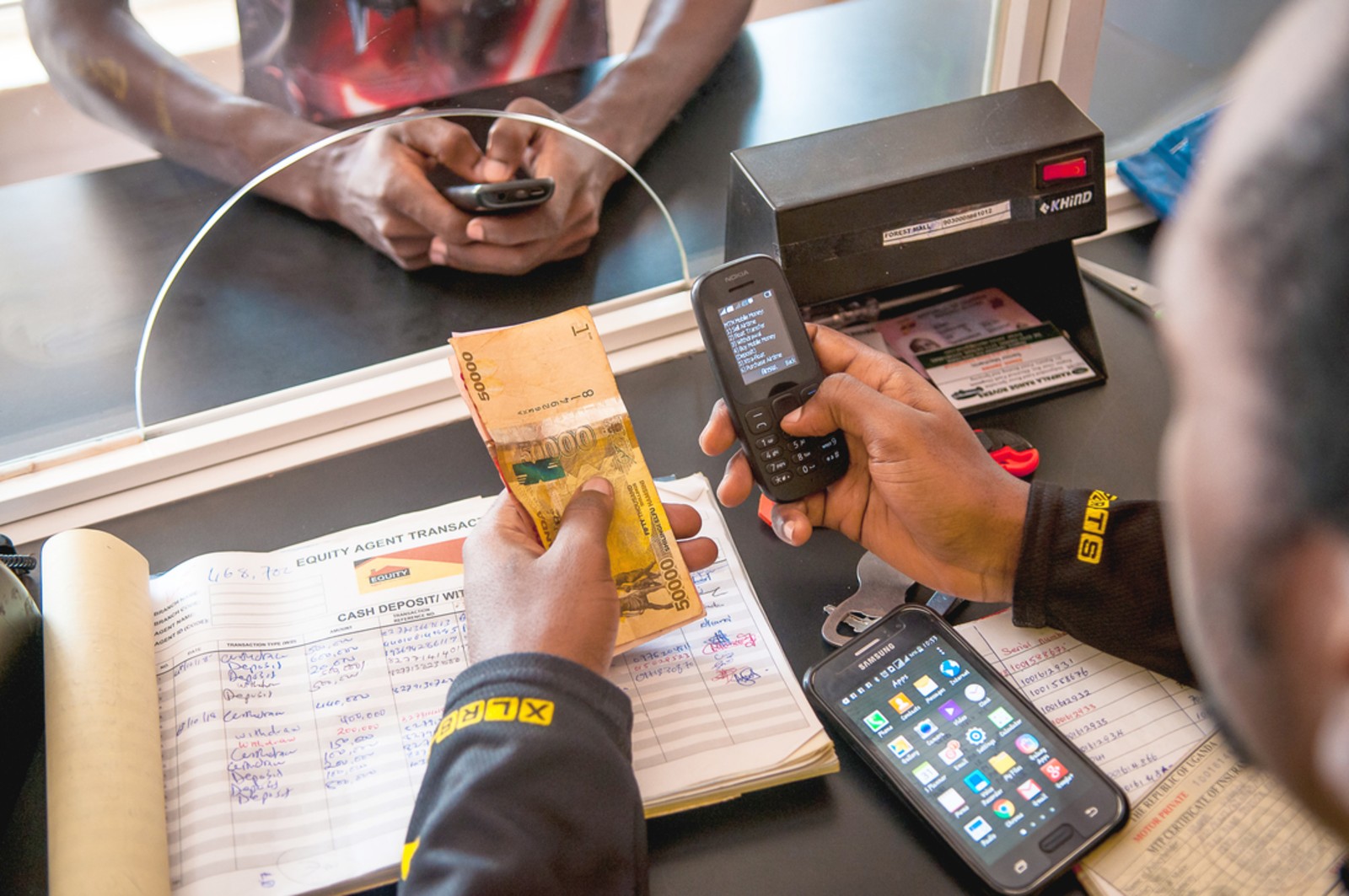
Over 90% of African Bitcoin users are mobile-only. For this group we also tested three alternatives to paper backup: an encrypted seed phrase sent via SMS to a trusted contact (restoration requires both the SMS and a user-created password), cloud backup stored encrypted in Google Drive or iCloud, and social recovery using Shamir Secret Sharing split across three to five trusted contacts. Each has real tradeoffs, but all showed significantly higher completion rates than paper backup for users who don't have a reliable way to store physical documents securely.
The Simple Version
A 73% failure rate at seed phrase backup isn't a user problem. Every one of those failures has a design explanation. The users who failed Chioma's way: confused, rushing, no paper, no context. They would have succeeded with a different screen.
Our complete seed phrase onboarding framework, including screen designs, copy templates in 20+ African languages, and user testing scripts, is available open-source for wallet developers. If you're building a wallet and want to implement it, get in touch.
← Back to Home